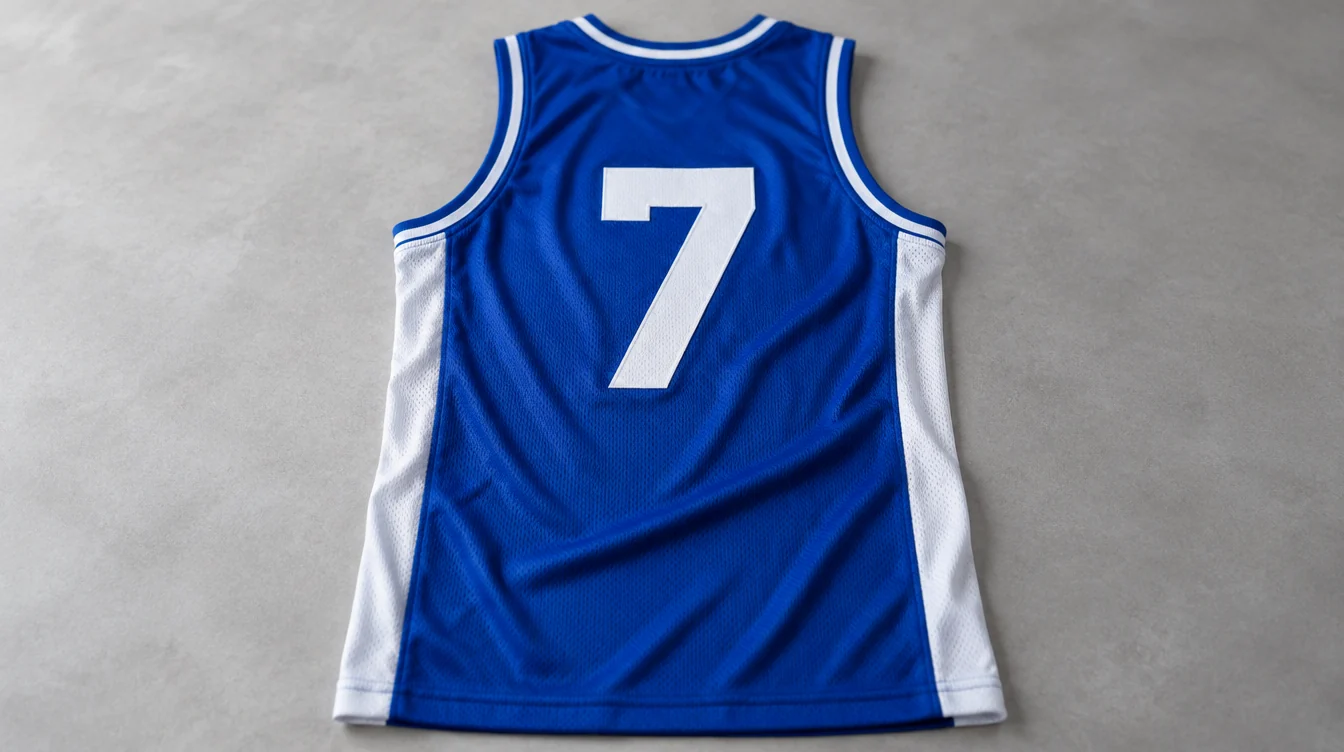
A basketball jersey template is the fixed layout your whole team uses: where the logo, team name, player name and number sit on the front, back and sides, and which colours carry each element. Choose the template first, lock the colours, then check the numbers and names at actual size before you approve a sample.
This guide is for coaches, club managers and school buyers planning a team set. It explains what a template should decide, how to choose colours that read clearly on court, and what to check before the bulk run.
What a basketball jersey template decides
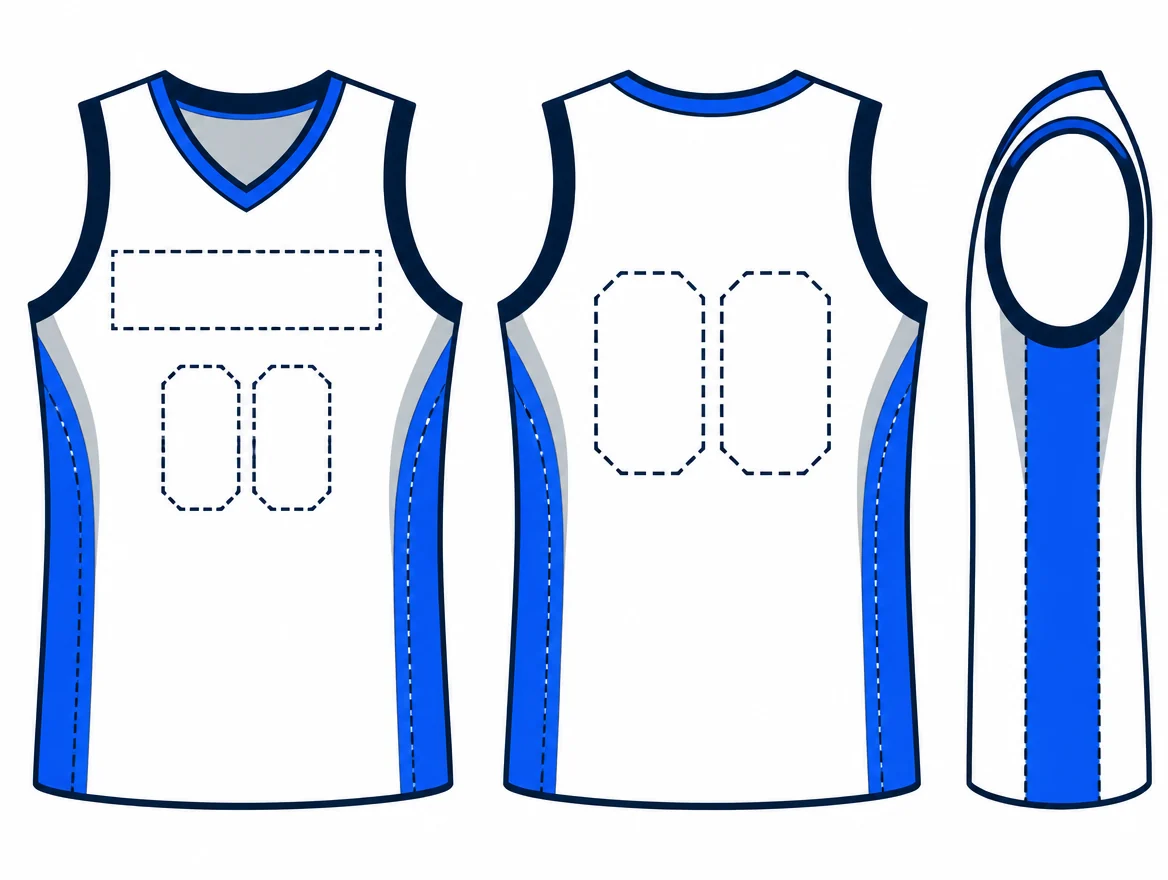
A template is more than a background. It fixes the position and size of each element, so the same layout works across every player and size. Decide these before you start artwork:
| Element | What to decide | Common mistake |
|---|---|---|
| Front | Team logo or wordmark, and whether a name sits above it | Placing the logo where a neck trim or seam will cut across it |
| Back | Large player number, optional name above it | Leaving the number too close to the side panels |
| Sides and sleeves | Side panels, stripes or sponsor areas | Adding detail that disappears at a distance |
| Colours | Base, trim and number colours | Choosing two shades that look different on screen but similar in person |
Choosing colours that read on court
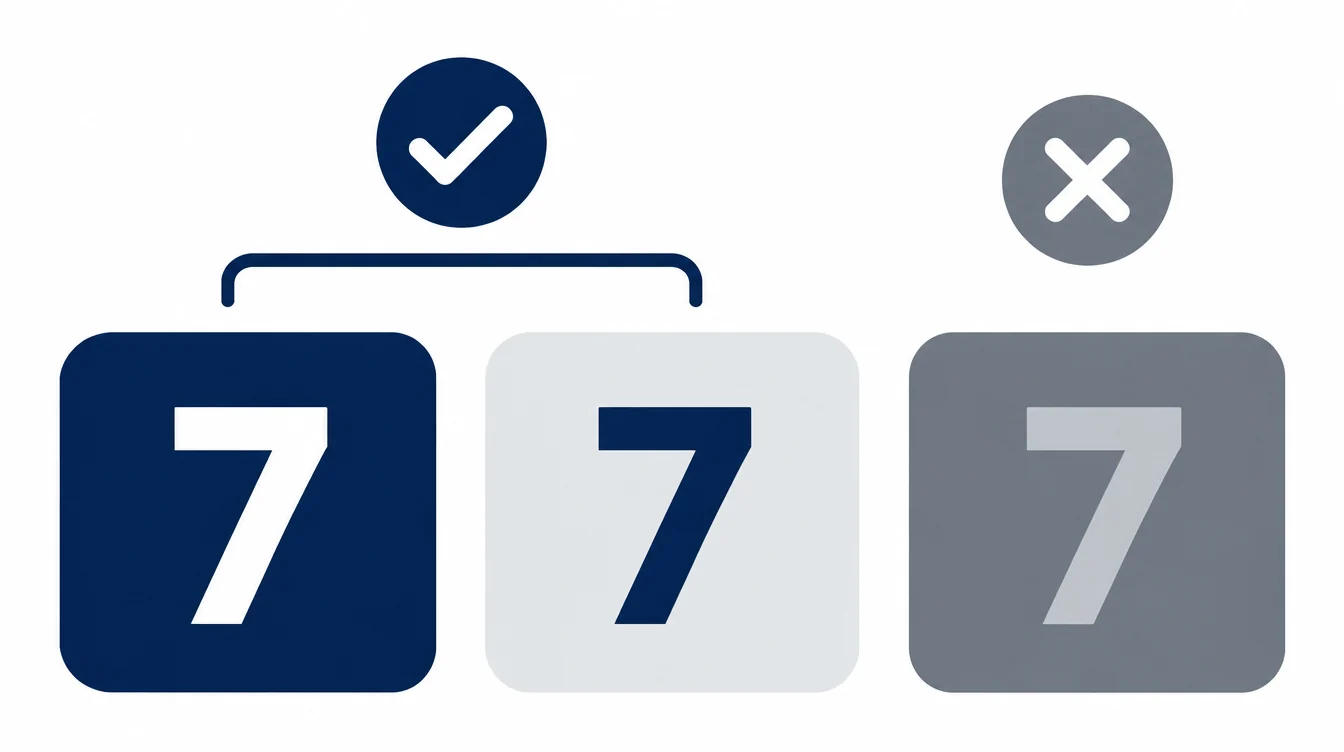
Contrast matters most. A light number on a dark base is easier to read from the stands than a number in a close shade. Pick a base colour, one trim colour and one number colour, then test them together rather than one at a time.
- Check each pairing side by side in daylight and under indoor lighting.
- Ask for a physical colour swatch on the same fabric you plan to use. Screen colours shift between devices and fabrics.
- Keep the palette small. Three colours are easier to keep consistent across every size.
Numbers, names and placement
Numbers and names are where templates most often need adjusting. Sizes, fonts and positions can vary by league, tournament or competition. Before you finalise the layout, check the rules that apply to your event and ask your supplier to confirm they can meet them.
Also plan for the roster. Test the longest name on the team, and check that every number fits the chosen size without touching the edges of the panel. Approve a sample with the longest name and a two-digit number in place.
Start from a supplier template or your own artwork
Most teams start from a supplier’s template library and adjust logos and colours. That keeps the layout consistent and makes quotes easier to compare. If you bring your own artwork, confirm that the supplier can place it within the template and tell you what changes.
For the decoration method, compare sublimation, screen printing and embroidery for teamwear before you approve the artwork. Full-colour all-over designs and simple logos often suit different methods.
Checks before you approve the sample
- Read the layout at actual size. Check logos, numbers and names on front and back, and every size in the breakdown.
- Test the longest name and number. Confirm that nothing crowds the edges.
- Compare colours with your reference. Use the same lighting and fabric as the agreed swatch.
- Check the sides and sleeves. Make sure panels line up at the seams.
- Record the approval. Save the final artwork, roster and sample version together for reorders.
Frequently asked questions
Do I need a template if I already have a logo?
A template tells the supplier where each element sits on every jersey. Without one, the logo, numbers and names can drift between sizes and between the first and reorder runs.
How many colours should a basketball jersey use?
Three is a practical limit for most teams: base, trim and number. More colours can add cost and make consistent reproduction harder. Confirm how colour changes are priced with your supplier.
Can I change the template after the sample is approved?
Changes after approval can affect the price and the timeline. Agree any layout change in writing and approve a new sample if the design changes.
NEXT STEP
Send us your logo and colours
Tell SPOLDEX your sport, quantity and artwork, and we will confirm the layout and sample steps for your order.
Email info@spoldex.com